
Running LLMs Locally with Ollama and LM Studio: Build the Right AI PC

Artificial intelligence is no longer limited to cloud platforms. Today, developers, businesses, and technology enthusiasts can run large language models (LLMs) directly on their computers using tools such as Ollama and LM Studio. This makes it possible to experiment with AI models, build private AI assistants, test applications, and explore local AI workflows without depending entirely on external services.
However, running an LLM locally requires more than an ordinary desktop computer. GPU memory, system RAM, processor performance, and storage all influence how smoothly models operate.
Whether you are a developer planning an AI workstation or someone comparing a Custom Pc Pune understanding these hardware requirements will help you choose the right configuration.
At Custom Designs by Kira (CDK), the focus is on building custom PCs and workstations around real computing requirements, including local AI development and high-performance applications.
What Are Ollama and LM Studio?
Ollama and LM Studio are popular tools that make running large language models locally more accessible.
Ollama: Run and Manage Local AI Models
<Entity value="Ollama" category="software" disambig="Local large language model runtime"/> allows users to download, run, and manage supported language models through a simple command-line interface and API.
It is useful for:
Running models such as Llama, Qwen, and Gemma.
Building local AI applications.
Connecting models to development tools and applications.
Experimenting with private, locally hosted AI workflows.
LM Studio: A User-Friendly Local AI Environment
<Entity value="LM Studio" category="software" disambig="Desktop application for running local language models"/> provides a graphical interface for discovering, downloading, and interacting with compatible models.
It is particularly useful for:
Testing different LLMs without extensive command-line experience.
Comparing model responses.
Managing local model files.
Experimenting with local model servers and integrations.
Both tools can run models locally, but supported hardware acceleration and model compatibility vary by platform, model format, and software version.
Why Does Running Local LLMs Need a Powerful PC?
Large language models contain billions of parameters. When a model runs, its weights and working data must fit into available memory. This is why choosing the right hardware is essential.
1. GPU and VRAM: The Most Important Consideration
For many local AI workloads, GPU acceleration can significantly improve response speed. However, the graphics card's VRAM capacity is often more important than its gaming performance alone.
For example:
8GB VRAM: Suitable for experimenting with smaller, heavily quantized models, subject to memory requirements.
12GB–16GB VRAM: Offers more flexibility for smaller and some medium-sized models.
24GB VRAM: Provides additional room for larger models and more demanding configurations.
48GB VRAM or more: Useful for larger models and advanced experimentation, depending on model architecture and workload.
A model that exceeds available VRAM may require system RAM offloading, which can reduce performance.
2. System RAM: Supporting Larger Models
GPU memory is not the only requirement. System RAM supports model loading, operating system processes, development environments, and other applications.
A practical starting point is:
16GB RAM: Entry-level experimentation with smaller models.
32GB RAM: A more comfortable starting point for regular local AI use.
64GB RAM: Useful for larger models, multitasking, and development workflows.
128GB RAM or more: Worth considering for memory-intensive projects and advanced configurations.
Actual requirements depend on model size, quantization, context length, and how much data is processed.
3. CPU and Storage: Completing the Configuration
The processor handles general computing tasks, data preparation, and CPU-based model operations. A modern multi-core CPU provides a strong foundation.
Fast NVMe SSD storage is equally important because AI models can occupy several gigabytes or more. A larger SSD makes it easier to maintain multiple models, datasets, and development environments.
Can a Gaming PC Run Ollama and LM Studio?
Yes. A well-configured gaming PC can also serve as a local AI development machine.
However, gaming performance and AI performance depend on different hardware priorities. Someone searching for a gaming PC in Pune or a gaming PC in Mumbai may also want to explore local AI development. In that case, selecting a GPU with sufficient VRAM and planning for additional RAM can make the system more versatile.
How to Choose the Right AI PC Configuration
Match Hardware to Your AI Workload
Before purchasing components, identify what you intend to run:
Learning and experimentation: Smaller LLMs using Ollama or LM Studio.
Local AI assistants: Models connected to documents, applications, or development tools.
AI application development: Local APIs, testing environments, and model integrations.
Advanced experimentation: Larger models, longer context windows, and more demanding workloads.
Do Not Choose a GPU Based on VRAM Alone
Check GPU compatibility, memory bandwidth, software support, quantization options, and model requirements. More VRAM creates additional flexibility, but it does not guarantee a particular model will run at a specific speed.
How CDK Helps Build Custom AI Workstations
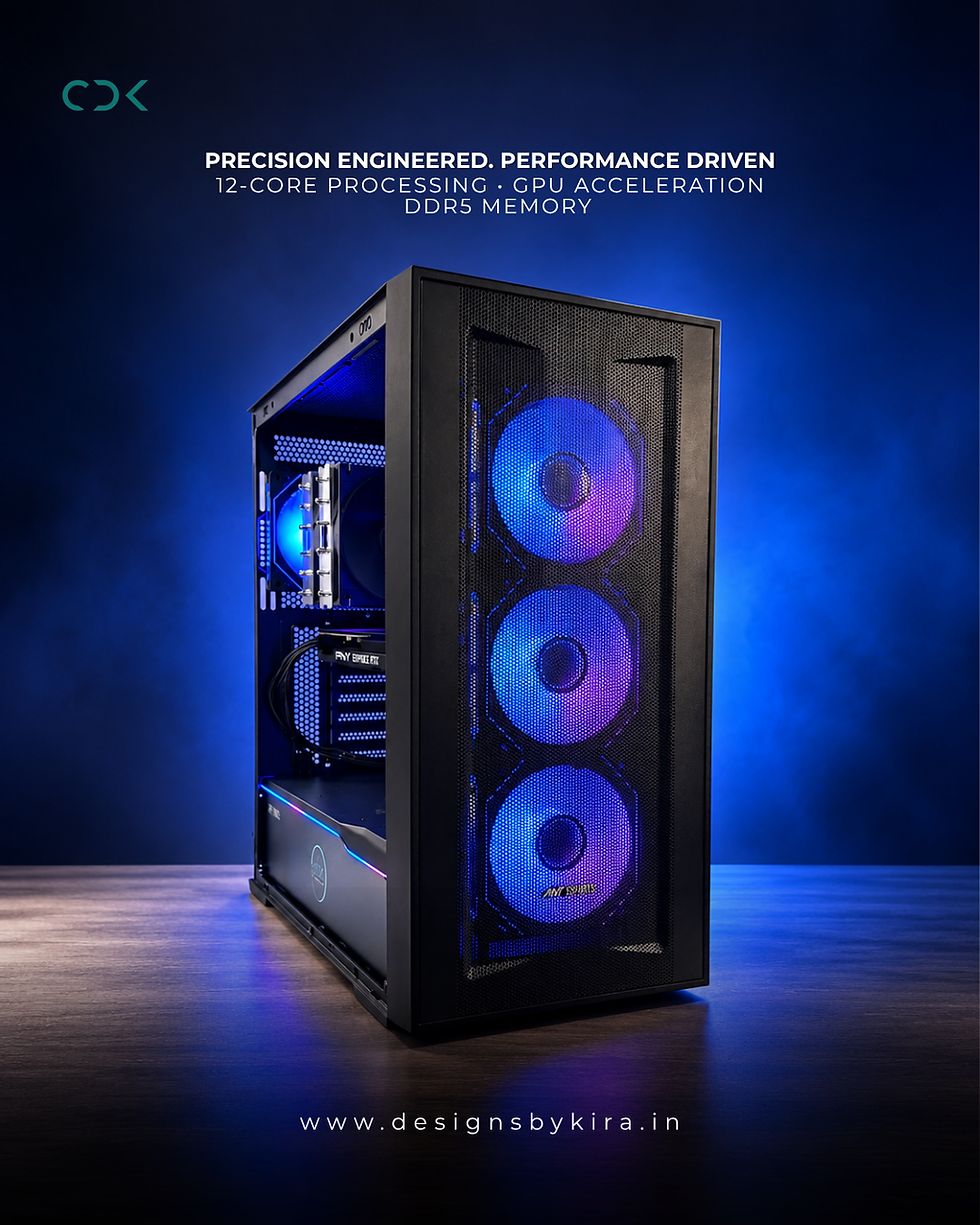
At Custom Designs by Kira (CDK), custom PC configurations can be planned around the software and workloads customers actually use.
CDK can help evaluate:
GPU selection: Based on VRAM capacity and AI workload requirements.
Memory configuration: Suitable RAM capacity for local model execution and multitasking.
Processor selection: Balanced CPU performance for development and computing tasks.
Storage planning: NVMe SSD capacity for models, datasets, and applications.
Cooling and power: Appropriate cooling and power delivery for sustained workloads.
Future upgrades: Configurations that allow room for additional memory and storage where supported.
The objective is to build a balanced system rather than spend unnecessarily on components that do not improve the intended workload.
Running LLMs Locally with Ollama and LM Studio: Build the Right AI PC with CDK
Running LLMs locally with Ollama and LM Studio opens new possibilities for developers, businesses, and AI enthusiasts. But the experience depends heavily on selecting hardware that matches the models you want to run. Running LLMs Locally with Ollama and LM Studio: Build the Right AI PC
Whether you are exploring AI development, upgrading a gaming PC, or planning a dedicated workstation, the right combination of GPU memory, system RAM, CPU, and storage makes a difference.
Looking to build a custom AI PC? Contact Custom Designs by Kira (CDK) to discuss a workstation configuration suited to your local AI development requirements.


Comments