
CPU, GPU, RAM or SSD: Which Upgrade Will Actually Make Your Workstation Faster?

When a workstation starts feeling slow, the first instinct is often to upgrade everything. A faster processor, a powerful graphics card, more RAM, and a bigger SSD all sound like good ideas—but upgrading the wrong component can be an expensive mistake.
The truth is simple: the best upgrade depends entirely on what is slowing your workflow down.
For architects, 3D artists, designers, engineers, video editors and other professionals, a workstation is only as fast as its biggest bottleneck. In some systems, the CPU is holding everything back. In others, the GPU is struggling with complex scenes. Sometimes, the problem is simply not having enough RAM.
So, before buying new hardware, let's understand what each component actually does and which upgrade will make the biggest difference to your workflow.
Upgrade Your CPU When Processing and Calculations Take Too Long
The CPU is the brain of your custom pc. It handles Multiple calculations, simulations, application performance, code compilation and many other tasks that require processing power.
If you regularly work on applications such as AutoCAD, Revit, SolidWorks, Unreal Engine, Blender or Adobe software, CPU performance can have a major impact on your daily use.
You should consider upgrading your CPU when:
Your applications take a long time to open or process data.
Complex calculations and simulations are slow.
CPU usage remains close to 100% during demanding tasks.
Your current processor struggles with multitasking
However, more CPU cores do not automatically mean better performance. Many professional applications still depend heavily on single-core performance, especially during modelling and viewport operations.
This is why choosing the right processor is more important than simply buying the processor with the highest number of cores.
At CDK, we build every custom workstation based on the actual software and workflow of the user. A workstation for CAD modelling may require a different CPU configuration compared to a workstation designed for rendering or video production.
Upgrade workstation GPU When Graphics and Rendering Are the Problem
The GPU has become one of the most important components in modern professional workflows.
Applications such as Unreal Engine, Lumion, Enscape, Twinmotion, Blender, DaVinci Resolve and Adobe Premiere Pro can use the GPU for rendering, real-time visualization and accelerated processing.
You should consider upgrading your GPU if:
Your viewport performance is slow.
Large 3D scenes lag while navigating.
GPU rendering takes too long.
Real-time visualization software struggles with complex projects.
You are running out of VRAM.
For professionals working with 3D visualization, architectural rendering or game development, a GPU upgrade can sometimes provide a much bigger performance improvement than upgrading the CPU.
But GPU selection is not only about buying the most powerful graphics card available. VRAM capacity, software compatibility and workload requirements all matter.
For example, a workstation running Unreal Engine with large environments may benefit significantly from additional VRAM. Meanwhile, a CAD-focused system may not require the same level of GPU power.
That is why a properly configured custom PC can often deliver better value than choosing hardware based purely on benchmark numbers.
Upgrade Your RAM When Multitasking Becomes Difficult
RAM is one of the most common performance bottlenecks in professional workstations.
When your system does not have enough memory, Windows starts using storage as temporary memory. This is significantly slower and can make even a powerful workstation feel unresponsive.
You may need more RAM if:
Applications freeze when working with large projects.
Your system slows down when multiple tasks are open.
You frequently work with high-resolution textures or large datasets.
Your software displays memory warnings.
Windows constantly uses nearly all available RAM.
For many professional workflows, 16GB is no longer enough.
A modern architecture or design workstation may require 32GB, while advanced 3D rendering, Unreal Engine projects, simulations and video editing can benefit from 64GB or more.
However, installing excessive RAM that your workflow never uses will not automatically make your workstation faster.
The goal is to have enough memory to comfortably handle your largest projects and multitasking requirements.
Upgrade Your SSD When Loading and File Transfers Are Slow
An SSD will not usually increase rendering performance or make your GPU faster, but it can dramatically improve how responsive your entire system feels.
A faster SSD can reduce:
Windows boot times.
Application loading times.
Project loading times.
File transfer delays.
Cache and scratch disk performance.
For video editors, 3D artists and professionals working with large project files, storage speed can become particularly important.
NVMe SSDs offer significantly higher speeds than traditional SATA SSDs and are often a valuable upgrade for modern workstations.
However, storage capacity also matters.
A fast 1TB SSD can quickly become full when working with large video files, 3D assets and project data. Once storage becomes nearly full, performance and workflow management can also suffer.
A good custom workstation should therefore include a balanced storage strategy—fast NVMe storage for Windows, software and active projects, along with additional storage for larger files and archives.
So, Which Upgrade Should You Choose?
There is no single answer.
The right upgrade depends on your bottleneck:
CPU: Best for processing, calculations, simulations and CPU-intensive applications.
GPU: Best for 3D rendering, visualization, AI workloads and GPU-accelerated applications.
RAM: Best when large projects and multitasking are causing slowdowns.
SSD: Best for improving loading times, file transfers and overall system responsiveness.
Before upgrading, it is important to identify what is actually limiting performance. Spending ₹50,000 on a new GPU will not solve a problem caused by insufficient RAM. Similarly, upgrading to a high-end CPU may not improve performance if your workflow is primarily GPU-dependent.
Build a Workstation Around Your Workflow
The biggest advantage of choosing a professionally configured workstation is that every component is selected for a reason.
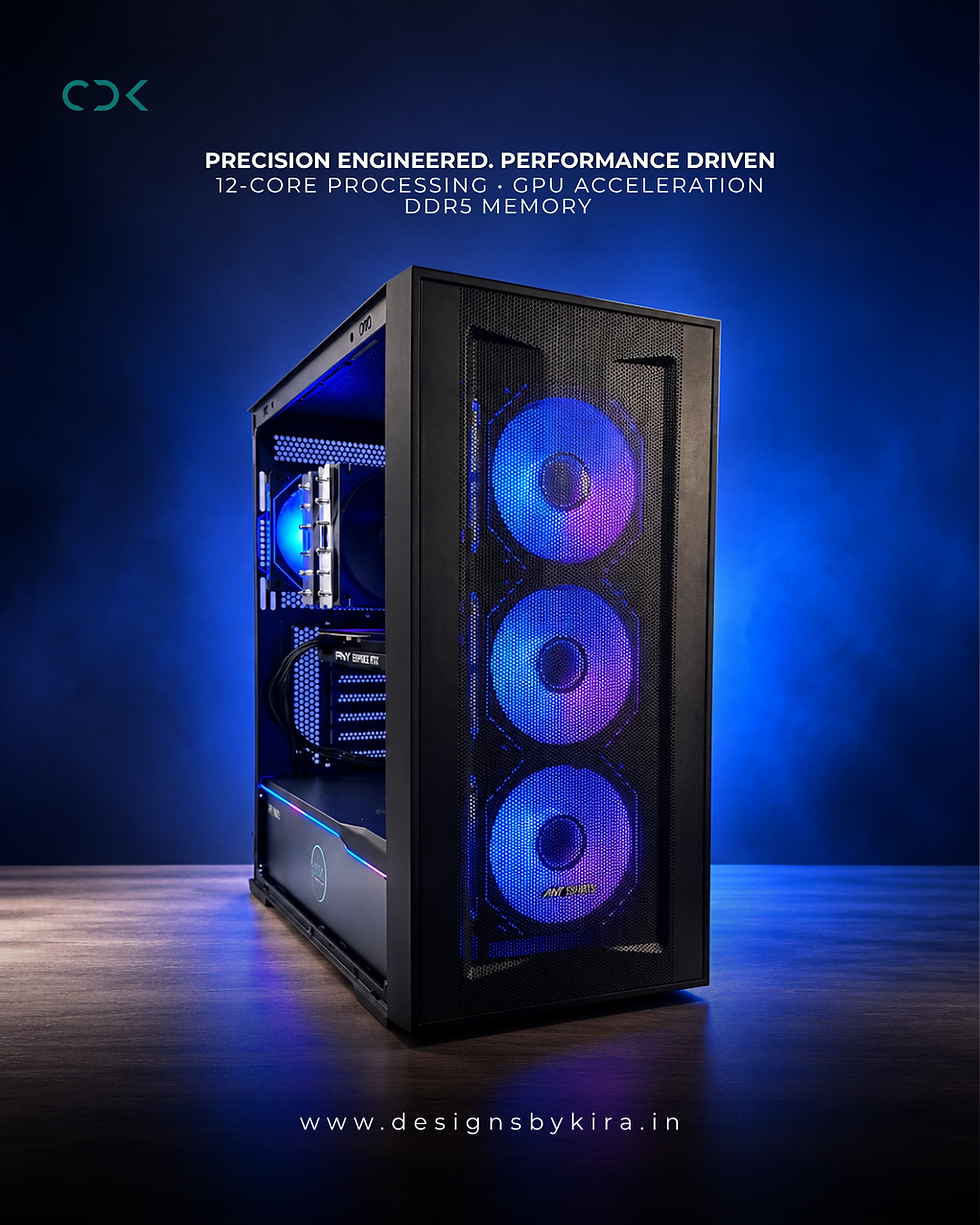
At CDK, we design custom PC solutions and custom workstation configurations based on the software you use, the size of your projects and the performance you actually need.
If you're looking for a custom PC Pune solution for architecture, CAD, 3D rendering, engineering, content creation or professional business workloads, the right approach is not simply buying the most expensive hardware.
It is identifying the bottleneck—and building the right machine around your workflow.
Because the fastest workstation isn't necessarily the one with the most expensive components.
It's the one where every component works together to help you get your work done faster.


Comments